
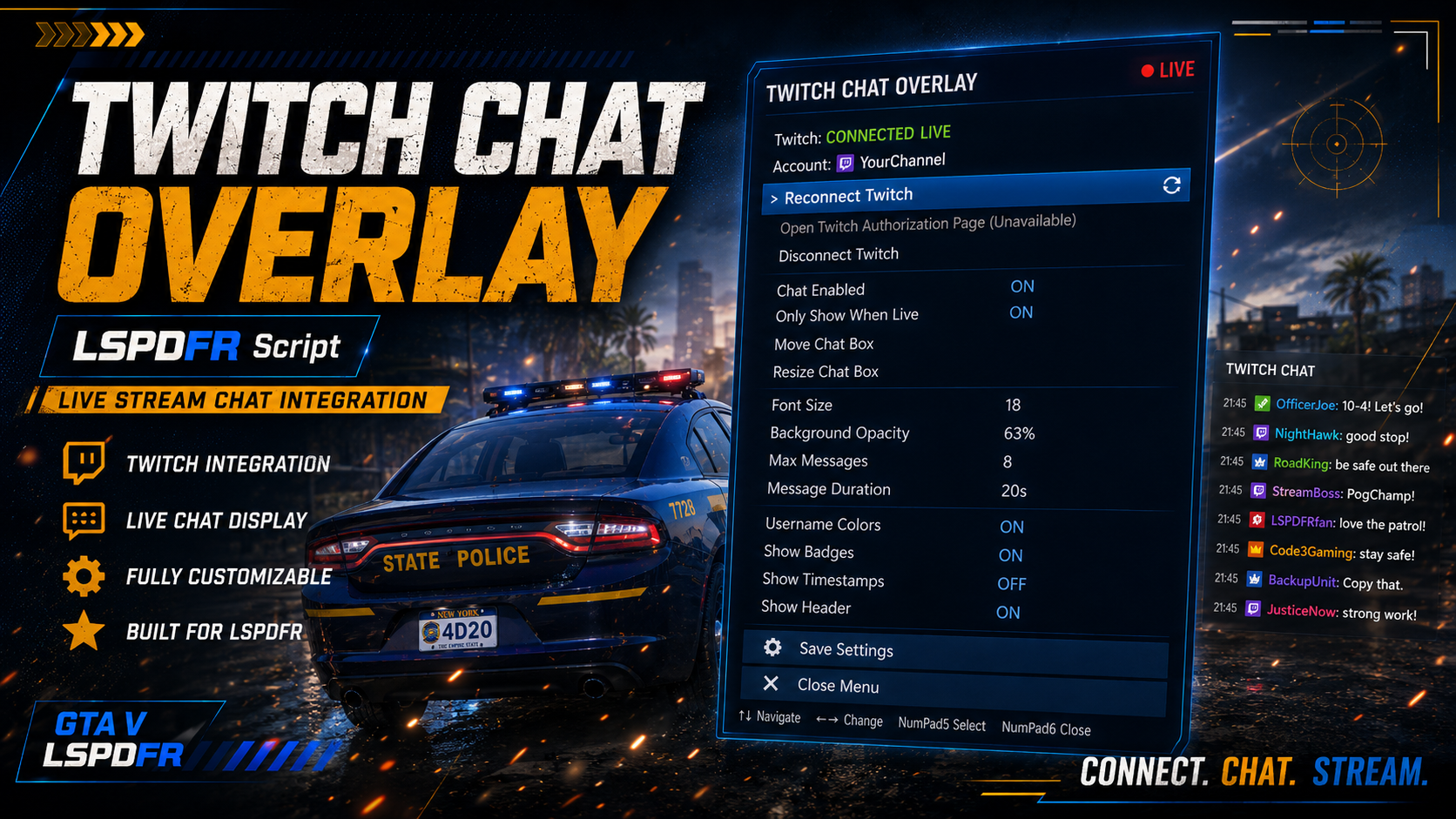
TwitchChatOverlay
Introducing TwitchChatOverlay, an LSPDFR plugin from Cousin Creations that allows you to display your Twitch chat directly inside GTA V while you play. Whether you're streaming patrols, roleplay, or just hanging out with your community, TwitchChatOverlay makes it easier to keep up with your viewers without constantly switching between GTA V and your browser. 💬 FEATURES 💬 Display Twitch chat directly in GTA V 📦 Move the chat box anywhere on your screen 📐 Resize the chat box ⚙️ INI-based configuration 🎮 Easy-to-use in-game menu 🔐 Secure Twitch account authorization 💾 Saves your chat box position and size 🌐 Browser-based Twitch authentication 🔐 SIMPLE & SECURE TWITCH CONNECTION TwitchChatOverlay uses Twitch's Device Code Grant Flow to connect your account. You do not need to enter your Twitch login information into GTA V. There is: ❌ No username/password entry in GTA ❌ No OAuth redirect callbacks handled by the plugin ❌ No Twitch Client Secret stored in the plugin ❌ No Creator, Affiliate, or Partner status required 🔗 CONNECT YOUR TWITCH ACCOUNT Connecting is simple: 1. Open the TwitchChatOverlay.ini & place your Public ClientId inside 2. Open the TwitchChatOverlay menu 3. Select Connect Twitch Account 4. Receive your Twitch verification code 5. Enter the code through the official Twitch verification page 6. Approve the requested permission 7. Your Twitch account connects automatically All you need is a Twitch account and a Twitch application Client ID. 📥 The full README and installation instructions are included with the plugin. ❤️ Thank you for supporting Cousin Creations! Your support helps us continue creating new plugins, modifications, and resources for the LSPDFR community.