
Apple CarPlay | Full Control
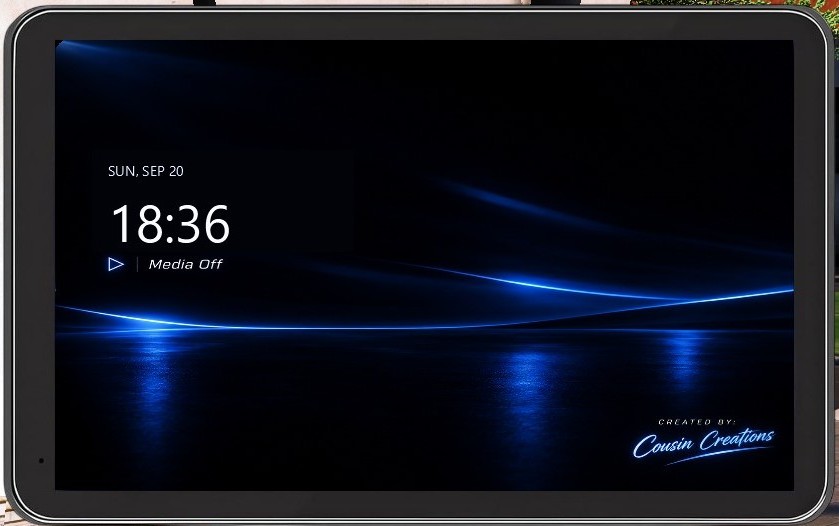
# 🍎 AppleCarPlay for GTA V **AppleCarPlay by Cousin Creations** brings a fully interactive CarPlay-style infotainment system directly into GTA V. AppleCarPlay is designed to feel like a real vehicle infotainment system instead of a basic menu. It includes music, navigation, vehicle controls, weather, fuel management, games, AirPlay-style connectivity, and much more. ## ✨ FEATURES ### 🖥️ Custom Startup Screen - Full-screen Cousin Creations startup experience - Live date and time pulled directly from your PC - Normal CarPlay interface remains hidden until startup completes ### 🕒 Live Clock - Live PC time - 12-hour and 24-hour clock modes - Change the format directly inside Settings - Your selected format is saved automatically ### 🎵 Music - Play supported music directly through AppleCarPlay - Play / Pause controls - Previous / Next controls - Volume controls - Bass controls - Shuffle - Song artwork - Song information - Favorites system ### 🚗 Automatic Vehicle Music - Music automatically pauses when you get out of your vehicle - Music automatically resumes when you get back inside - If you manually pause the song, AppleCarPlay will not automatically resume it ### ❤️ Favorites - Heart songs to save them - Access saved songs from the Favorites app - Songs stay synced with the Music app - Favorite songs can also be used inside Piano Tiles ### ▶️ YouTube | COMING SOON - Browse YouTube directly inside AppleCarPlay - Search for videos and channels - Play videos without opening an external browser - Hardware-accelerated WebView2 playback - Improved scrolling and mouse controls - Reduced unnecessary background processing - YouTube automatically idles when you leave the app ### 🗺️ Maps - Interactive GTA V map - Click the map to place a waypoint - Double-click to remove a waypoint - Mouse-wheel zoom - Drag to move around the map - Follow mode - Overview mode ### 🌦️ Weather - Current weather information - Temperature - Weather conditions - Integrated directly into the CarPlay interface ### 🚘 Vehicle Control - Dedicated vehicle information screen - Live speed information - Vehicle controls - Door controls - Trunk controls - Live GTA map - Vehicle-related information and controls ### ⛽ Gas / Charging - Full gasoline and electric vehicle support - Live Fuel / Battery percentage - Estimated Range - Average Economy - Current MPG / Efficiency - Fuel / Energy Used - Distance Driven - Estimated Cost - Nearby Gas Stations - Nearby Charging Locations - Gas / Charging prices - Navigation to stations ### 🔒 Realistic Refueling - Refueling only works when you are actually near a gas station - Charging only works when near a supported charging location - Prevents refueling from anywhere on the map ### 🚙 Per-Vehicle Fuel System - Each vehicle receives its own fuel or battery state - Fuel and battery levels change while driving - Different vehicles keep separate values ### 🚔 Stations - Browse GTA V police stations - Mark stations on the map - Teleport to supported stations - Larger readable station names - Station management options ### 📲 AirPlay - AirPlay-style phone connection system - QR code displayed directly inside AppleCarPlay - Scan the QR code with your phone - QR automatically uses your PC's local network address - 6-digit pairing system ### 📅 Calendar - Live Calendar application - Calendar icon updates using your PC date - Current day and date information ### 🐍 Slither.io - Play Slither.io directly inside AppleCarPlay - Mouse movement controls the snake - Hold left-click to boost - Nickname entry - Enter control - Reload control - Back button - Hardware-accelerated WebView2 gameplay ### 🎹 Piano Tiles - Fully playable Piano Tiles game - Multiple songs - Long-note support - Releasing a correctly hit long note will not fail you - You only fail when you actually miss a required note or hit incorrectly ### ❤️ Piano Tiles Favorites - Music Favorites automatically appear inside Piano Tiles - Choose a favorite song and AppleCarPlay generates a playable chart ### 🥁 Automatic Rhythm Charts - AppleCarPlay analyzes the song's audio - Detects rhythm and tempo - Automatically creates a Piano Tiles chart - No manually-created chart required for every song - Tiles synchronize with the song's real playback position ### ⚡ Piano Tiles Audio Optimization - Favorite songs are prepared as local cached audio files - Reduces lag during gameplay - Previously generated songs can load faster - Cached audio is reused for future sessions ### 📌 Pinned Apps - Pin apps to the CarPlay sidebar - Quickly access your favorite applications - Proper icon scaling - Improved spacing - Icons stay inside their assigned slots ### 🎨 Custom App Icons - Dedicated icons for AppleCarPlay apps - Rounded launcher icons - Custom Settings icons - Navigation icons - Music control icons - Vehicle Control icons - Gas / Charging icon - Calendar icon - Developer icon - Inbox icon ### ⚙️ Settings - Time format switch - 12-hour / 24-hour mode - Interface options - Saved configuration - Additional customization options ### 🖱️ Adjustable Interface - Move the AppleCarPlay display - Position it to better fit your GTA V setup - Saved interface settings ### 📥 Inbox - Receive messages directly inside AppleCarPlay - Receive plugin updates while playing - File downloading - SHA-256 file verification - Message caching - Message deletion ### 🔌 Plugin Management | COMING SOON - View supported installed plugins - Plugin management controls - Organized plugin list ### 📊 Live Information AppleCarPlay can display live information including: - Time - Date - Music status - Vehicle information - Speed - Fuel - Battery - Range - Weather - Nearby stations - Maps information ### 💾 Persistent Settings Supported settings are saved so you don't have to configure everything again every time GTA V starts. ### 📦 Installation Verification The AppleCarPlay installer checks required assets before completing installation, including: - Launcher icons - Internal UI icons - Vehicle Control icons - Vehicle images - Startup assets - Core UI files # 🚘 BUILT FOR IMMERSION AppleCarPlay is more than a normal GTA V menu. Music reacts to whether you're inside your vehicle, fuel changes while you drive, gas stations can be navigated to, the clock uses your real PC time, your favorite music can automatically become Piano Tiles levels, and apps are designed to behave like features found in a real infotainment system. Whether you're patrolling with LSPDFR, cruising around Los Santos, listening to music, navigating across the map, managing your vehicle, or playing games while parked, AppleCarPlay gives your GTA V vehicles an entirely new interactive experience. **Developed by Cousin Creations**